

Convert JPG to Word
Convert JPG to Word Online Free
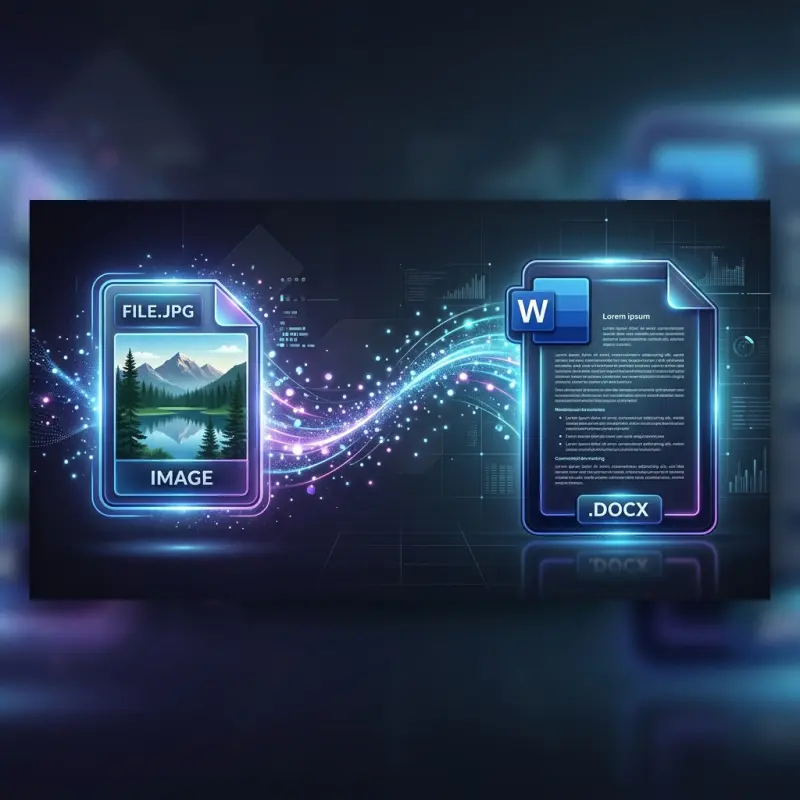
Tentang Convert JPG to Word
Convert JPG to Word is a free online converter that uses AI OCR to turn JPG, PNG, TIFF, BMP, and WebP photos and scans into editable Word documents. It reads printed and handwritten-style text, preserves tables, headings, and page layout, and saves the result as a clean DOCX file you can edit, format, and share. The tool runs in the browser with no software to install, no signup, no watermark, and no payment, so students, teachers, office workers, and researchers can convert homework, notes, invoices, receipts, and reports in seconds. Simply upload an image, let the OCR engine extract the text, and download your editable Word file.
Fitur utama
- AI OCR converts JPG, PNG, TIFF, BMP, and WebP into editable DOCX
- Preserves tables, headings, and page layout
- Free in-browser conversion with no signup or watermark
Buat siapa
Students, teachers, office workers, and researchers converting photos and scans into editable Word documents
Pertanyaan soal Convert JPG to Word
How do I convert JPG to Word?
Upload your JPG image to our free online converter, wait a few seconds while the OCR engine extracts the text, and then click the download button to save your editable Word document. The entire process runs in your browser and requires no software installation or account creation.
Can I convert JPG to an editable Word document?
Yes, our converter uses Optical Character Recognition to read the text inside your JPG image and produce a fully editable Word file. Once converted, you can open the DOCX in Microsoft Word, Google Docs, or any compatible word processor to edit, copy, search, or reformat the text as needed.
Is the JPG to Word converter free?
Yes, the tool is completely free to use with no hidden charges, no watermarks on your documents, and no daily conversion limits. You do not need to create an account or provide any personal information to start converting your images.
Can I convert JPEG to DOCX?
Absolutely. JPG and JPEG are the same image format, and our tool converts both into standard DOCX files that open in Microsoft Word, Google Docs, LibreOffice Writer, and other word processors. You can also upload PNG, TIFF, BMP, and WebP images for conversion.
How does JPG to Word OCR work?
OCR stands for Optical Character Recognition. When you upload a JPG image, the OCR engine scans the image to detect text regions, identifies individual characters using trained machine learning models, and then assembles the recognized text into structured paragraphs and tables. The result is a formatted Word document that closely matches the layout of the original image.
- Kategori
- AI
- Harga
- Gratis
- Launch
- 9 Nov 2026
I kept getting photos and scans that I needed as editable Word files, and retyping them by hand was slow and error-prone. So I built a simple free tool that uses AI OCR to read the image, keep the tables and layout, and...
Baca cerita lengkap · 1 balasanKomentar
Belum ada komentar. Jadi yang pertama.
Laporkan produk ini
Alternatif Convert JPG to Word
Produk lain di kategori AI yang tayang di Produk.co.