kling 4
Cinematic AI Videos Up to 30s with More Control



Tentang kling 4
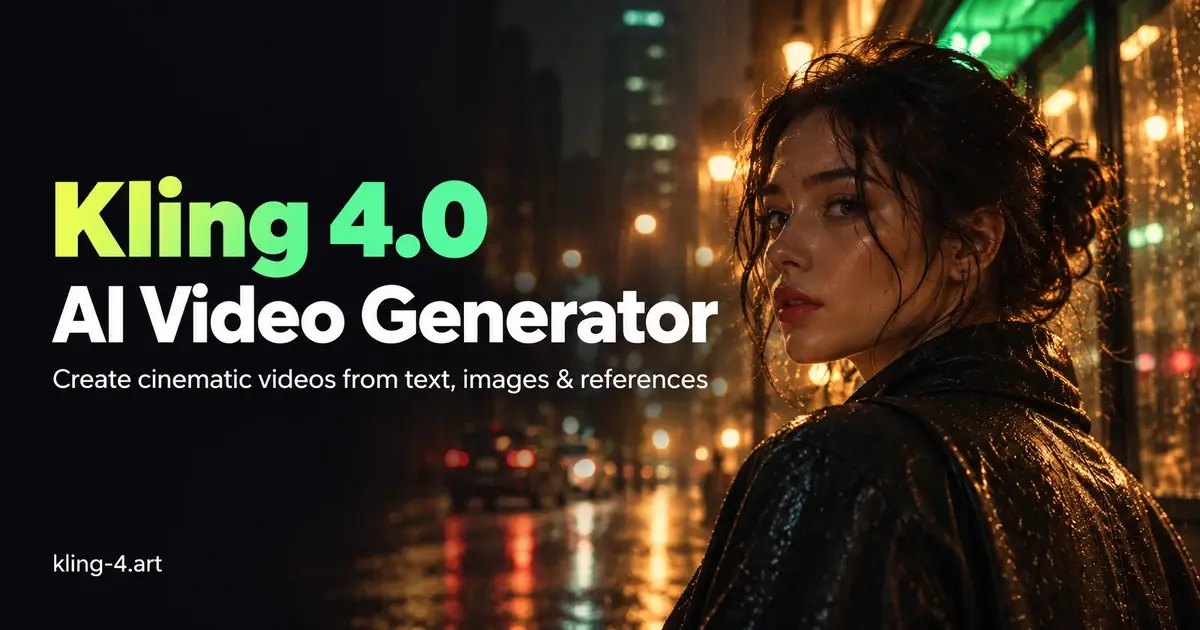
Kling 4.0 AI Video Generator is an independent video platform for creators, marketers, and small production teams. It turns text prompts, keyframes, and reference media into short clips for social posts, product concepts, and storyboards.
**How it works**
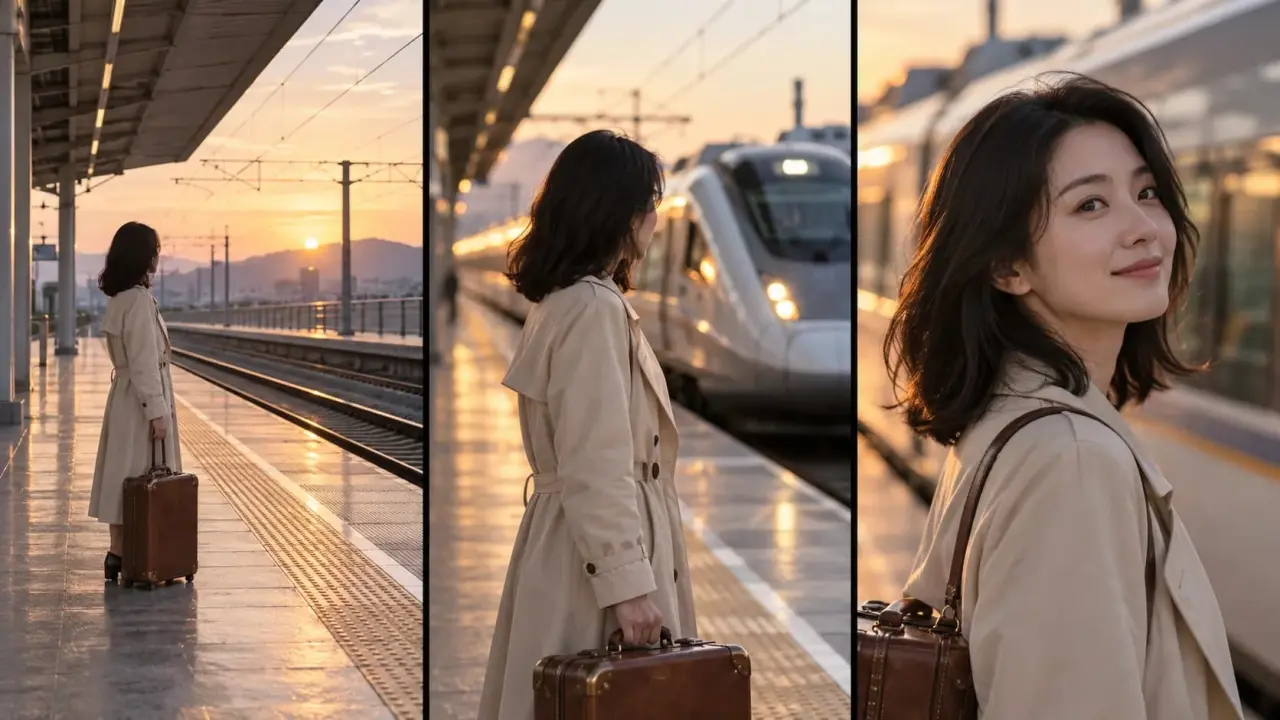
Choose a generation mode based on what you already have. With **Text to Video**, describe the scene, what moves, and how the camera should follow it. With **Keyframes**, supply a starting image, up to eight intermediate images, and an optional ending image to guide how a shot unfolds. **Omni Reference** accepts images, video clips, and supported audio to guide the look, movement, or voice in a scene.
On Kling-4.art, Kling 4.0 supports clips from 3 to 30 seconds at 720p or 1080p, depending on the mode and settings. The generator shows the estimated credit cost before you start.
**Who it’s for**
A social media creator can use it to animate a still image for a short post. A marketing team can try a camera move or product reveal before booking a shoot. An editor can use keyframes to see whether a planned transition works before building the full sequence.
**What to check before publishing**
Keyframes and Omni Reference are separate modes, and uploaded voice references currently require 720p output. Review the full clip for changes in logos, lettering, or product shapes, especially between reference frames. For a product demo that shows how something fits or works, use generated clips to plan the shots and record the actual product for the demonstration.
Fitur utama
- Text-to-video generation with prompts for scene, action, and camera movement
- Multi-keyframe control with up to 10 images to guide how a shot unfolds
- Omni Reference for guiding appearance, motion, or voice with images, video, and
Buat siapa
Content creators, marketers, and small production teams making social clips, product concepts, and storyboards
Pertanyaan soal kling 4
Is kling-4.art the official Kling AI website?
No. kling-4.art is an independent AI video generation platform, not the official Kling AI website. It provides access to supported Kling 4.0 generation features, but available modes, resolutions, and settings may differ from those offered directly by Kling AI.
What’s the difference between Kling 4.0 and Kling 4.0 Flash?
Kling 4.0 supports longer videos of up to 30 seconds, up to 10 keyframes, and more advanced reference controls. Kling 4.0 Flash is designed for faster, more frequent creation, with videos up to 20 seconds at 720p. Flash does not currently support first-and-last-frame or multiple-keyframe generation. Check the generator for available models and settings.
Should I use Keyframes or Omni Reference?
Choose Keyframes when you want to plan specific moments in a video, such as the opening, an important action, or the final shot. Choose Omni Reference when you want images, videos, or voice samples to guide characters, objects, movements, or visual styles. These are separate generation modes and cannot be combined in one task.
Can I upload my own voice or background music?
You can upload MP3 or WAV files as voice references in Omni Reference mode. Voice samples help guide a character’s voice but are not used as background music tracks. To request music, ambience, or sound effects, describe them in your video prompt. On kling-4.art, voice references currently require 720p output.
How can I improve a Kling 4.0 video that doesn’t match my prompt?
Describe the subject, actions, setting, and camera movement more precisely. When using references, explain which details should remain consistent. For scenes with several important moments, consider Keyframes to guide the sequence. Results may vary, and generating a revised version may use additional credits.
How much does it cost to generate a Kling 4.0 video?
With our 5,000-credit pack ($99.90), a 5-second video costs approximately $0.50 at 720p or $0.80 at 1080p. That's about $0.10–$0.16 per second. Costs vary by resolution, duration, and reference video length. You can review the estimated credit cost in the generator before starting. Compare credit usage by model
- Kategori
- AI, Kreator konten, Desain
- Harga
- Freemium, mulai US$9,90/bulan
- Launch
- 16 Nov 2026
A short video often starts with a photo and a question. What happens if the camera moves closer? Would the reveal work better if the shot held for another second? Those are the kinds of decisions Kling-4.art is designed...
Baca cerita lengkap · 1 balasanLaporkan produk ini
Alternatif kling 4
Produk lain di kategori AI, Kreator konten, Desain yang tayang di Produk.co.